



Verify measurements w/ medium or low pile toe or surface score. Piles larger than 3,000 will need to be verified to view volume and tonnage.
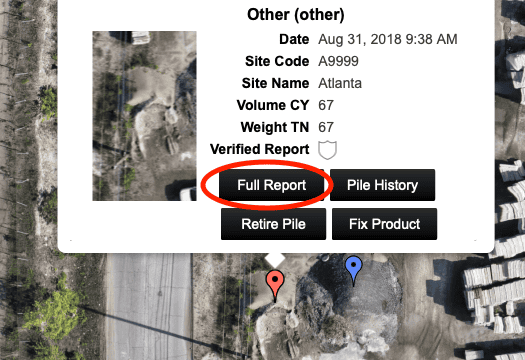
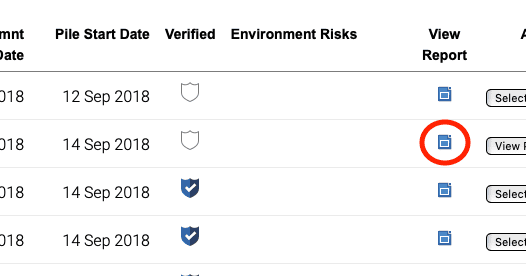
- Open the Full Report on the measurement that needs to be verified from the map view or Piles tab.
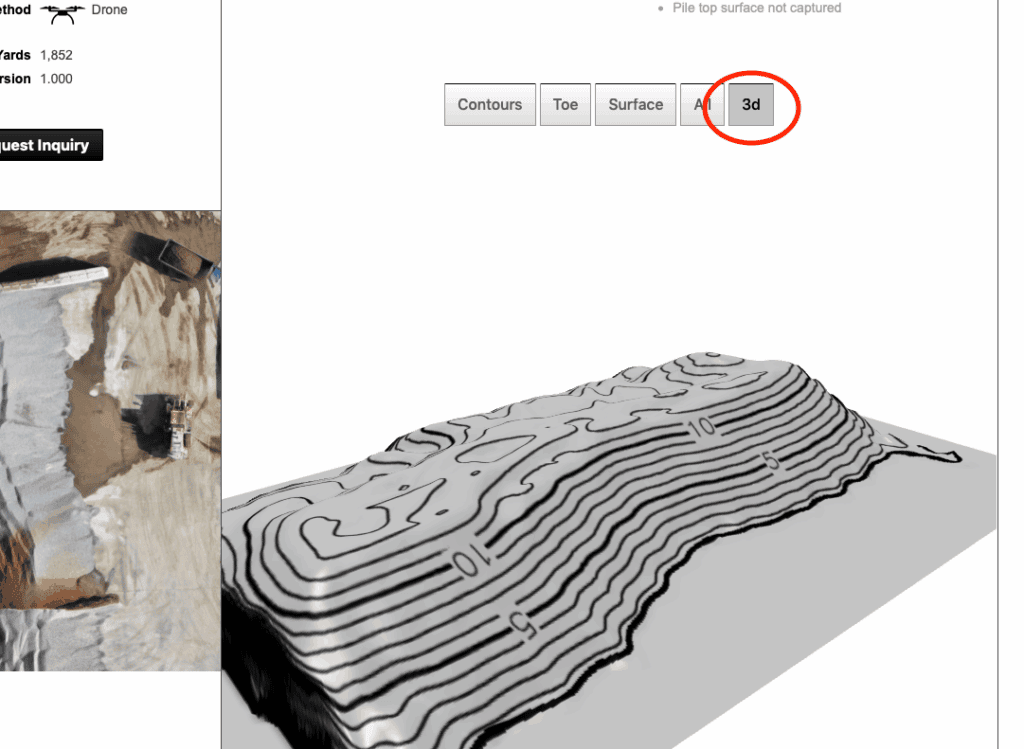
- Inspect the 3D model of the pile to determine if the measurement accurately represents the shape of the material.
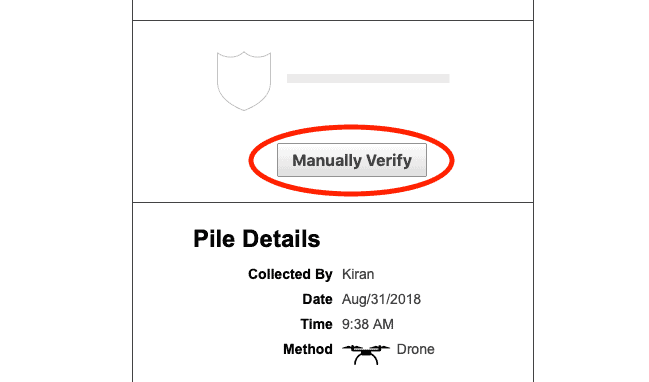
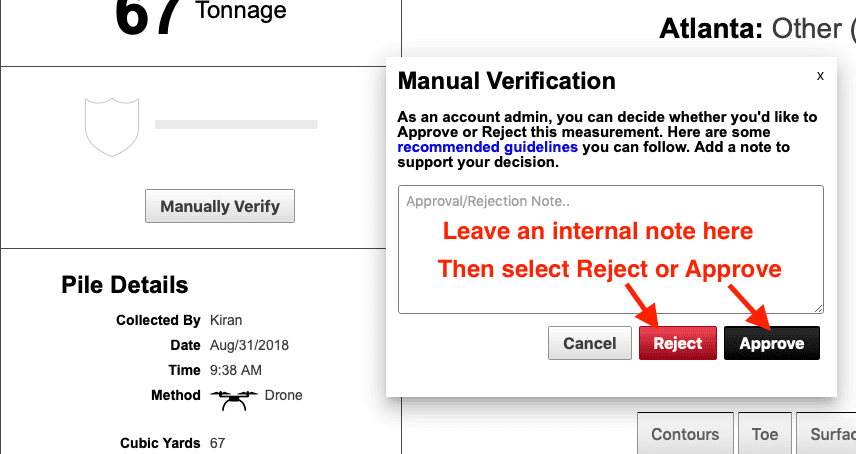
- Click the Manually Verify located above the Pile Details section on the report.
- Add a note explaining why you are accepting or rejecting the measurement.
- Choose the Accept button if you wish to keep the measurement and manually verify the volume and tonnage. Choose Reject if you wish to reject the measurement and opt to re-measure the pile.
If you are unsure whether to accept or reject a measurement, click the “Request Inquiry” button under Pile Details on the report page. Request assistance in determining if the pile can be manually verified and a Stockpile Reports representative will assist you with the process.